How to check code coverage
Code coverage is reported to the command line by the command task test. In this repository the XML report lands in .cache/cov.xml (git-ignored: it is a local artifact nobody reads); a generated project writes cov.xml at its root, where the test CI job picks it up to upload to the Codecov service.
Installing Codecov GitHub app
If your repo is hosted in an org where the codecov GitHub app is already installed, then you don't need to do anything.
If your repo is in an org where the codecov GitHub app is not installed, then follow these steps to install it on the org:
- Visit https://github.com/apps/codecov
- Click
Configure - Select the org your repo is hosted in
- Select
All repositoriesand clickInstall
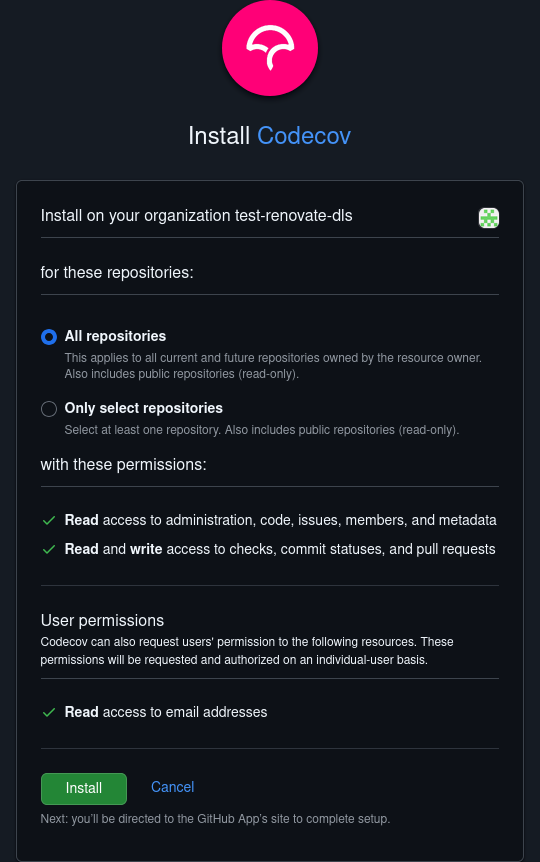
Next time you create a pull request or merge to main, the code coverage will be uploaded to https://app.codecov.io/github/<org_name>/<repo_name>, and the badge on the repository updated.